Video and screenshot walkthroughs
Jam Bus:Sandfall Level Guides
Find the correct bus order, compare full-board screenshots, and watch complete solutions for the published Jam Bus:Sandfall levels.

Published walkthroughs
Jam Bus:Sandfall Levels 1-20
Each page includes the complete video, a 600×500 board image, full-interface progress screenshots, and level-specific route notes.

Jam Bus:Sandfall Level 1 Walkthrough

Jam Bus:Sandfall Level 2 Walkthrough

Jam Bus:Sandfall Level 3 Walkthrough

Jam Bus:Sandfall Level 4 Walkthrough
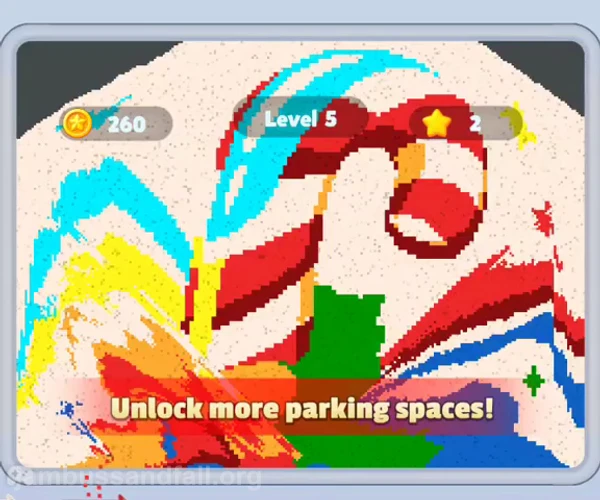
Jam Bus:Sandfall Level 5 Walkthrough

Jam Bus:Sandfall Level 6 Walkthrough
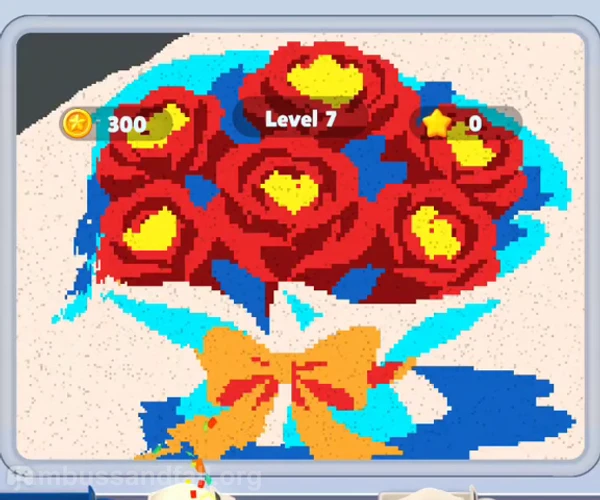
Jam Bus:Sandfall Level 7 Walkthrough

Jam Bus:Sandfall Level 8 Walkthrough

Jam Bus:Sandfall Level 9 Walkthrough
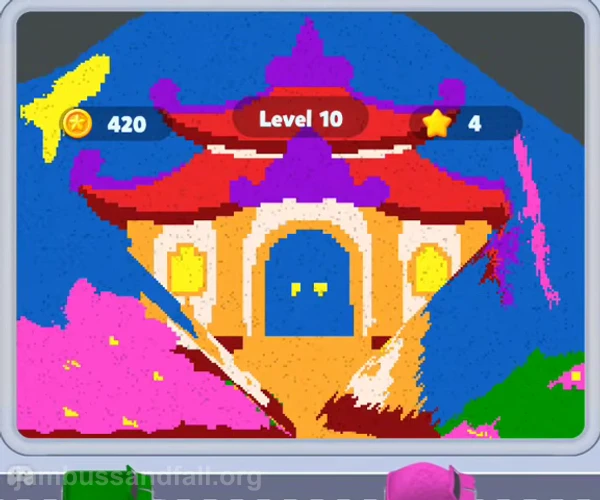
Jam Bus:Sandfall Level 10 Walkthrough

Jam Bus:Sandfall Level 11 Walkthrough
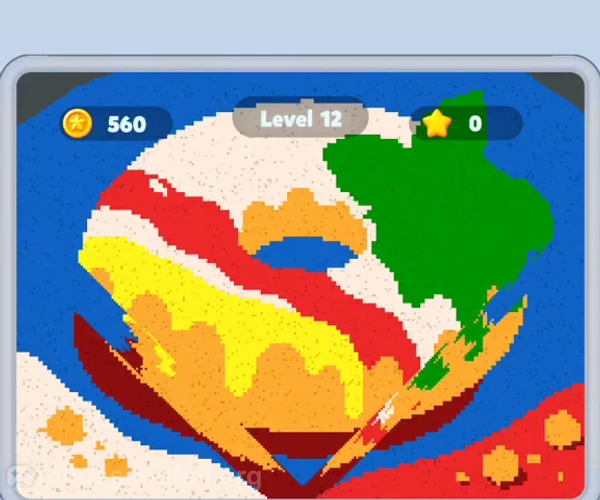
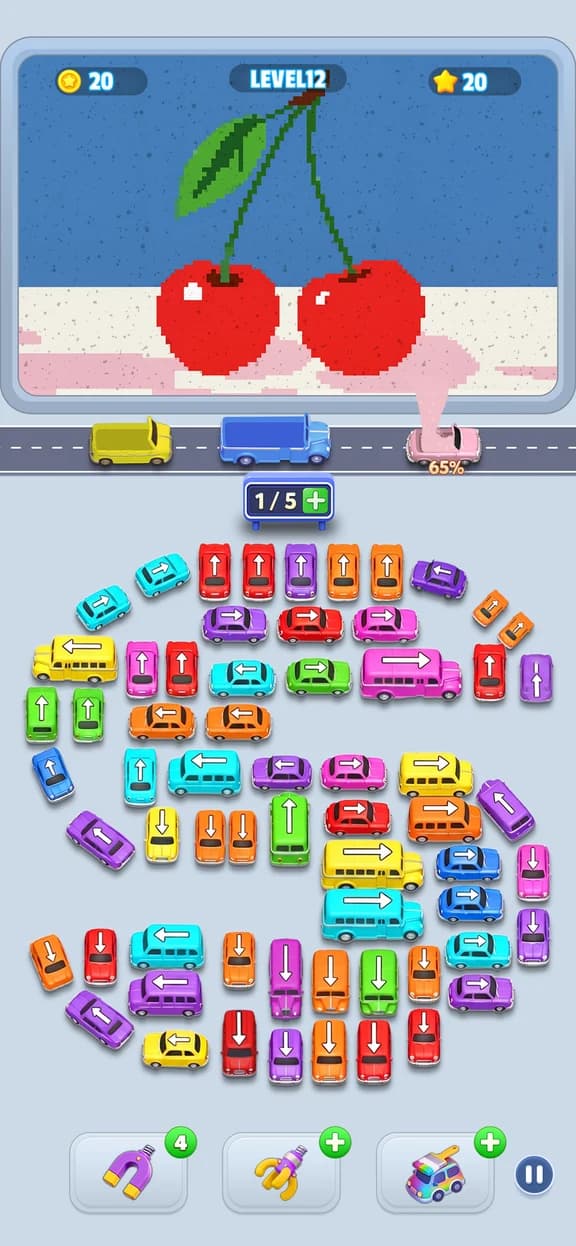
Jam Bus:Sandfall Level 12 Walkthrough
Core rules
How Jam Bus:Sandfall Works
Read each direction
Every bus has a direction. It must have an unobstructed route before it can reach the road.
Match the sand color
A bus collects the same color from the visible sand layer. A wrong early color occupies parking without making progress.
Control parking capacity
The road has limited holding spaces. Keep one open whenever the next sand color is not certain.
Expose the next layer
Removing the current sand reveals new colors and may change which bus is useful next.
Plan the Exit, Not Only the Color
A color match is useful only when the bus can reach the road. Short vehicles often need to leave before a long bus can use the same lane.
Keep a Recovery Space
Do not fill every parking position with unfinished colors. One empty space lets the next exposed sand color enter without restarting.
Official Mobile Game
Jam Bus:Sandfall is published by Nova Games Technology Limited. Use the official store listings for current availability and updates.
Jam Bus:Sandfall FAQ
How do you play Jam Bus:Sandfall?
Tap a bus only when its direction has an open route. The bus enters the road and collects sand of the same color. Clear every layer to finish the picture.
Why do buses get stuck?
A bus can be blocked by another vehicle, or the parking row can fill with colors that are not currently exposed in the sand picture.
Does this site publish every level?
The site publishes levels that have a complete source video and checked screenshots. It does not create placeholder pages for missing videos.
Why can my level number show a different picture?
Game updates can reorder level numbers. Use Find by Screenshot to compare the opening board instead of relying only on the number.